Choosing the right machine to power your gaming experiences has shifted dramatically over the last decade. For a long time, serious gamers were tethered to massive desktop towers if they wanted high fidelity and smooth frame rates, but technology has evolved to pack incredible power into portable form factors. This brings us to the heavyweight championship of the mobile PC world. When looking for a premium experience that balances raw power with distinct aesthetics, the conversation almost always lands on a Razer vs Alienware showdown. These two brands represent the pinnacle of gaming laptop engineering, yet they approach the market with vastly different philosophies regarding design, thermal management, and pricing. Deciding between them isn’t just about specs; it is about choosing an identity and a user experience that aligns with your lifestyle.
The Philosophy of Design and Build Quality
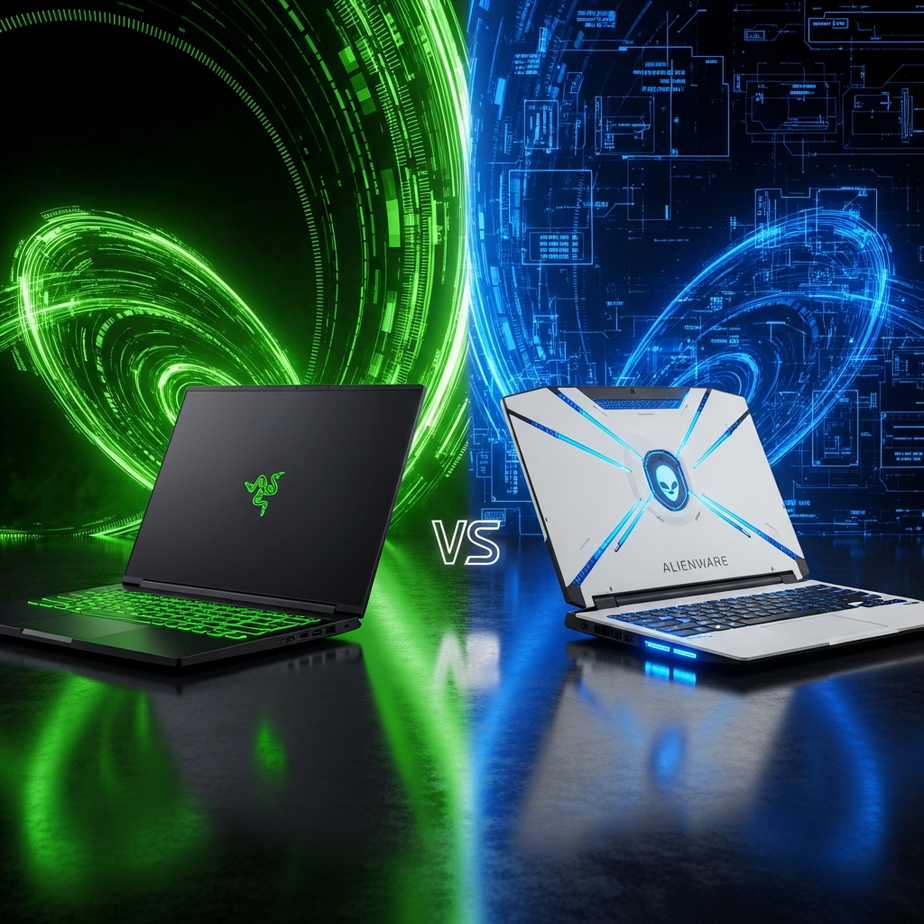
The most immediate difference between these two giants lies in their visual identity. If you place a Razer Blade next to an Alienware m-series laptop, you are looking at two completely different interpretations of what a gamer looks like. Razer has cultivated a reputation for being the “MacBook of gaming.” Their design language is defined by minimalism, uniformity, and premium materials. The chassis is almost always milled from a single block of CNC aluminum, resulting in a unibody construction that feels incredibly rigid and dense. The matte black finish is iconic, though it is notorious for attracting fingerprints. For professionals who want to game by night but take their laptop to a boardroom by day, Razer offers a stealthy aesthetic. Aside from the glowing green snake logo on the lid, which can often be turned off or covered with a skin, the machine looks like a high-end productivity tool. Alienware takes the opposite approach. They lean heavily into the “gamer” aesthetic with what they call their Legend design language. These machines are unapologetically futuristic, featuring soft-touch plastics, magnesium alloys, and a distinctly sci-fi silhouette. They often feature an oval “stadium” loop of RGB lighting on the rear exhaust and an illuminated alien head logo. While Razer aims for sharp edges and boxy designs, Alienware utilizes curves and a protruding thermal shelf behind the screen. This shelf helps with cooling but increases the physical footprint of the device, making it harder to fit into standard laptop bags. If you want a laptop that screams performance and turns heads at a LAN party, Alienware fits the bill perfectly.
Comparing Raw Performance and Thermals
When you look at the specification sheets, a Razer vs Alienware comparison might seem like a draw. Both manufacturers have access to the same top-tier components from Intel, AMD, and NVIDIA. You can configure both brands with the latest Core i9 processors and RTX 40-series graphics cards. However, having the same parts does not guarantee the same performance. The limiting factor in any gaming laptop is heat. High-end components generate massive amounts of thermal energy, and if the laptop cannot dissipate that heat, the system will throttle performance to prevent damage. This is where the chassis design plays a critical role. Alienware generally has the upper hand in raw wattage and sustained performance. Because their chassis designs are often thicker and utilize that extended rear thermal shelf, they can move more air. Alienware utilizes a proprietary cooling material they call “Element 31,” a gallium-silicone matrix that interfaces between the processor and the heat pipes. This allows their machines to run at higher Total Graphics Power (TGP) limits. In simple terms, an RTX 4080 in a thick Alienware laptop might run faster than the same chip in a thin chassis because it is being fed more electricity and cooled more aggressively. Razer prioritizes the form factor. Their engineering marvel is the vapor chamber cooling system, which spreads heat efficiently across the entire bottom surface of the laptop. While this allows the Blade series to remain incredibly thin, physics still applies. To keep temperatures safe, Razer may sometimes cap the power limits slightly lower than a thicker competitor. For the vast majority of gamers, the difference is negligible—perhaps a few frames per second—but for enthusiasts chasing the highest benchmark scores, the thermal headroom of a larger chassis usually wins.
Display Technology and Visual Fidelity
The screen is your window into the game world, and both companies have pushed the envelope regarding display technology. In the current market, you generally have to choose between speed (refresh rate) and resolution (visual clarity), though newer panels are starting to offer both. Razer typically offers panels that cater to creators as much as gamers. They were early adopters of OLED technology in laptops, which offers infinite contrast ratios and vibrant colors. An OLED panel on a Razer Blade is stunning for single-player narrative games where immersion is key. They also offer high-refresh-rate IPS panels, ranging from 240Hz to 360Hz, ensuring that esports titles look buttery smooth. Alienware matches this variety but often introduces unique cutting-edge options first. For instance, they have been aggressive in adopting exceptionally high refresh rates, sometimes pushing 480Hz on their FHD panels for competitive shooters. Alienware also utilizes G-SYNC technology extensively across their lineup to prevent screen tearing. One distinct advantage Alienware often holds is brightness. Some of their configurations offer higher nit counts than the standard Razer panels, which can be beneficial if you are gaming in a brightly lit room. However, Razer counters this with factory calibration. Every Razer laptop display is individually calibrated before leaving the factory to ensure color accuracy, which is a massive selling point for video editors and graphic designers who use their gaming rig for work.
Portability and Battery Life
If you plan to carry your laptop extensively, the Razer vs Alienware debate shifts heavily in one favor. Razer Blades are designed with portability as a primary pillar. The Blade 14, for example, is a powerhouse that rivals much larger desktops but slips easily into a backpack. Even the larger Blade 16 and 18 models manage to keep a relatively slim profile compared to the competition. The power brick for Razer laptops is also increasingly compact, utilizing GaN (Gallium Nitride) technology to reduce weight. Alienware laptops are generally viewed as “desktop replacements.” While they have introduced the thin X-series to compete with Razer, their flagship M-series laptops are heavy and bulky. The rear thermal shelf mentioned earlier adds significant depth to the machine, meaning an Alienware 15-inch laptop might not fit in a sleeve designed for a standard 15-inch device. Furthermore, the power bricks for high-end Alienware machines can be massive, sometimes weighing as much as an Ultrabook on their own. Battery life is a struggle for all high-powered gaming laptops, but Razer generally squeezes out more runtime for non-gaming tasks. By aggressively switching to the integrated graphics when unplugged and utilizing a 60Hz mode on the screen, you can often get a decent workday out of a Blade. Alienware machines, with their high-performance tuning and often complex RGB lighting systems, tend to drain batteries faster, even when just browsing the web.
Keyboard, Trackpad, and Peripherals
Interaction points are vital for an enjoyable gaming experience. This is an area where preferences diverge significantly. Razer utilizes low-profile chiclet keyboards. They feature per-key RGB lighting powered by their Chroma software, which is widely considered the best lighting ecosystem in the industry. The typing experience is snappy and shallow, similar to a high-end Ultrabook. The trackpads on Razer laptops are massive, glass-topped, and arguably the best in the Windows ecosystem, rivaling those found on Apple devices. Alienware has taken a different route by partnering with Cherry, the famous German mechanical switch manufacturer. Many high-end Alienware configurations feature ultra-low-profile Cherry MX mechanical keys. These offer a tactile click and travel distance that mimics a real mechanical keyboard. For pure gaming, the Alienware mechanical keyboard is satisfying and responsive. However, their trackpads tend to be smaller than Razer’s, which can be frustrating for productivity work, though most gamers will use a dedicated mouse anyway.
Software Experience: Synapse vs. Command Center
Hardware is only half the story; the software that controls your fans, lighting, and performance profiles matters. Razer Synapse is a mature, robust software suite. It allows for incredible customization of lighting effects, key remapping, and macro creation. Because Razer is also a massive peripheral manufacturer, Synapse acts as a unified hub for your mouse, headset, and laptop. The downside is that Synapse can be resource-heavy and occasionally intrusive with updates. Alienware Command Center is the Dell equivalent. It offers similar functionality, allowing you to overclock the CPU, adjust fan curves, and change lighting themes. Historically, Command Center has been criticized for being buggy or slow to load, though recent updates have improved stability. It offers granular control over power states, which is excellent for enthusiasts who want to undervolt their CPU to lower temperatures, but the user interface is generally considered less intuitive than Razer’s.
Price to Performance and Value Proposition
This is the deciding factor for most buyers. When comparing Razer vs Alienware in terms of value, there is a clear distinction in pricing strategy. Razer is a premium boutique brand. You are paying the “Razer Tax” for the CNC aluminum chassis, the brand prestige, and the engineering required to pack that much power into a small space. Razer laptops rarely go on significant sales shortly after launch, and their entry-level prices are often higher than the competition. They hold their resale value reasonably well, but the upfront cost is steep. Alienware, being a subsidiary of Dell, benefits from massive supply chain logistics. While their base prices are also high, Dell runs frequent and aggressive sales. It is not uncommon to find an Alienware laptop heavily discounted during Black Friday, back-to-school seasons, or random flash sales. Additionally, Dell offers a wider variety of configurations. You can often buy a chassis with a lower-end screen or smaller SSD to save money, whereas Razer usually locks you into premium specs. Furthermore, warranty support is worth mentioning. Dell’s support network is vast. You can purchase warranties that include next-business-day on-site repair, meaning a technician comes to your house to fix your laptop. Razer’s support usually involves mailing your laptop to a repair center, which can leave you without a computer for weeks. For users who rely on their machine for work and play, Dell’s enterprise-grade support options provide peace of mind that Razer currently cannot match.
Making the Final Decision
Ultimately, the choice comes down to what you value most in a portable computer. The market for gaming laptops has matured to the point where there are no truly “bad” options between these two, only options that are better suited for specific users. If you value a laptop that feels like a solid block of metal, slips easily into a messenger bag, and can be used in a professional meeting without raising eyebrows, Razer is the winner. It offers the best balance of portability, build quality, and performance. It is a luxury item, and it feels like one. On the other hand, if you want the absolute maximum frame rates possible, enjoy the gamer aesthetic with bold lighting, and want the security of robust warranty options, Alienware is the superior choice. It is a machine designed to sit on a desk and dominate games, with portability being a secondary concern. When spending this kind of money, it is always wise to check independent reviews from trusted sources like NotebookCheck or similar tech publications to see thermal testing for the specific model year you are considering. Both brands update their chassis and cooling solutions annually, and a specific model year might tip the scales in terms of thermal performance. Regardless of which side of the Razer vs Alienware divide you choose, you are getting a machine capable of playing the latest AAA titles at high settings. It is simply a matter of choosing the tool that fits your hand—and your budget—the best.