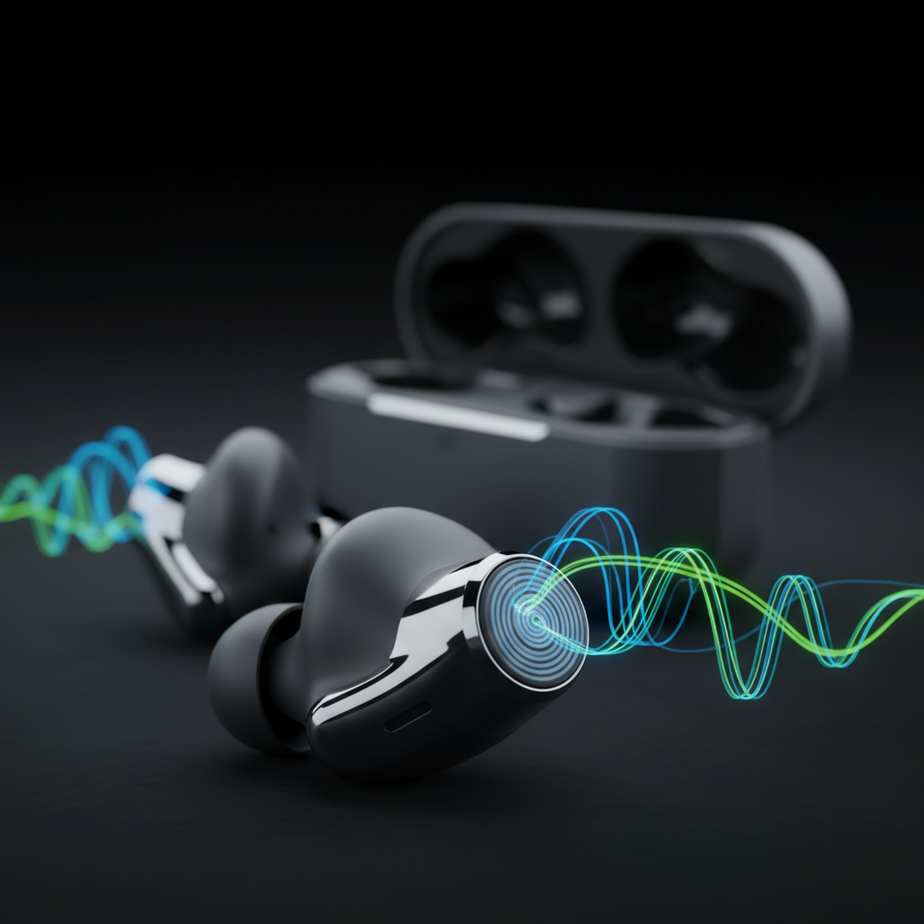
Introducing the JVC HA‑A110T Earbuds
The JVC HA‑A110T earbuds deliver high‑resolution audio support. The Spiral Dot ear tips provide clearer, more detailed sound. Additionally, they feature hybrid noise cancellation, long battery life, and multipoint Bluetooth 5.2 connectivity.
Sound Quality Features
Hi‑Res Audio & LCP Drivers
The earbuds support audio files with higher sampling rates and bit depths. This lets them reproduce a wider frequency range and dynamic range. Liquid Crystal Polymer (LCP) drivers deliver that fidelity with fast response and low distortion.
Spiral Dot Ear Tips
- Diffuse internal reflections for cleaner high‑frequency detail.
- Soft silicone shape creates a comfortable, secure fit.
Noise Cancellation
Hybrid ANC
Hybrid ANC combines feedforward and feedback microphones. It reduces ambient noise across a broad range of frequencies.
Environmental Noise Cancellation (ENC)
Environmental Noise Cancellation (ENC) filters background sounds during phone calls. This ensures your voice comes through clearly.
Battery Life
Designed for all‑day use, the earbuds provide several hours of playback on a single charge. They can be recharged in a compact case. A quick charge adds a meaningful amount of listening time.
Connectivity
Multipoint Pairing
Multipoint pairing lets you switch automatically between two connected devices. For example, a smartphone and laptop. No manual re‑pairing is required.
Bluetooth 5.2
Bluetooth 5.2 provides a stable connection. It also offers improved energy efficiency. Plus, it is compatible with future audio technologies.
Durability & Controls
IPX4 Water Resistance
IPX4 water resistance protects against splashes from any direction. It is suitable for light rain or sweat.
Touch Controls & Voice Assistant
Tap or swipe on the earbuds to play, pause, or skip tracks. You can also adjust volume, answer calls, or activate a voice assistant.
Setting Up
- Charge the earbuds and case.
- Open the case to enter pairing mode.
- Enable Bluetooth on your device.
- Select “JVC HA‑A110T” from the device list.
- Play audio from your device.
Maintenance Tips
- Wipe earbuds and case with a dry cloth.
- Clean charging contacts with a dry cotton swab.
- Store in the case when not in use.
- Avoid extreme temperatures.
- Check for firmware updates on the JVC website.
Who Might Like These Earbuds?
- Audio enthusiasts looking for detailed sound.
- Commuters needing reliable noise cancellation.
- Professionals who switch between devices.
- Casual listeners wanting comfortable, feature‑rich earbuds.
FAQ
What is Hi‑Res Audio?
Hi‑Res Audio refers to audio files that have higher sampling rates and bit depths. These characteristics provide more detail and a wider dynamic range. As a result, listeners experience richer sound.
How do Spiral Dot ear tips help?
The Spiral Dot ear tips feature interior dots that reduce reflections within the ear canal. Consequently, they deliver clearer, more precise sound. This enhances overall listening quality.
Can I use the earbuds with multiple devices?
Yes, the earbuds support multipoint pairing. They can connect to two devices simultaneously. This lets you switch between them effortlessly.
What battery life can I expect?
You can expect several hours of playback per charge. Additionally, the charging case provides extra time. Together, they deliver extended listening sessions.