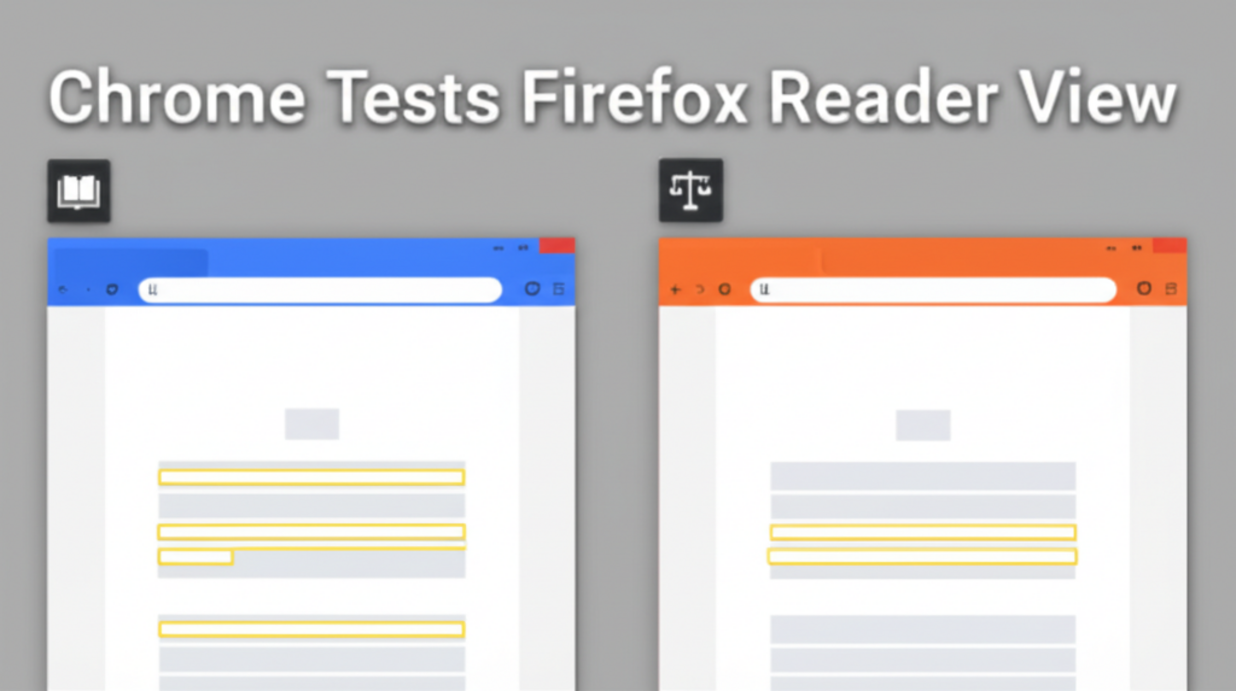
For anyone who’s ever tried to read a long article on a cluttered web page, the frustration of scrolling past endless ads, pop‑ups, and sidebars is all too familiar. Browsers have long tried to solve this problem by offering a “reading mode” that strips away unnecessary visual noise, leaving only the text and images that matter. Google’s Chrome, historically a bit late to the party, has finally stepped into this space—this time by borrowing a proven solution from Mozilla’s own Reader View. The result? A cleaner, faster, and more accessible reading experience for Chrome users, with potential benefits for publishers and SEO practitioners alike.
What Is Chrome’s New Reading Mode?
Chrome’s Reading Mode is a lightweight overlay that surfaces when a user clicks the “Reading Mode” icon in the address bar. The interface is intentionally simple: it removes ads, sidebars, and embedded widgets, re‑formats text for optimal line length, and offers a few basic customization options like font size, background color, and line spacing. Unlike previous iterations, Chrome’s current version leverages Readability.js, the same JavaScript library that powers Firefox’s Reader View. This means the text extraction algorithm has been battle‑tested across countless sites and is now being integrated into Chrome’s rendering engine via the Canary channel.
Why Mozilla’s Readability.js? A Proven Algorithm
Readability.js is an open‑source tool developed by the Mozilla Foundation. It was originally designed to parse and distill article content from web pages, eliminating noise while preserving the structure of headings, lists, and embedded media. Over the years, it has become the backbone of Firefox’s Reader View, earning a reputation for accuracy and speed.
By adopting this library, Chrome gains several advantages:
- High Accuracy: The algorithm is adept at distinguishing between main content and peripheral elements, ensuring users see what they truly want.
- Performance: Readability.js is lightweight, making the transition to Reader Mode near instantaneous.
- Community Support: As an open‑source project, it benefits from continuous improvements by developers worldwide.
How It Works Under the Hood
When a user activates Reading Mode, Chrome first fetches the page’s HTML and passes it through Readability.js. The library parses the DOM, scores each node based on factors such as text density, CSS visibility, and structural prominence, and then reconstructs a simplified version of the page. The output is rendered inside a Chrome iframe, styled with Chrome’s own UI guidelines to keep the experience consistent.
Importantly, the process respects the original page’s semantics. Headings are preserved as <h1> to <h6> tags, lists keep their bullet points, and images that have descriptive alt attributes are included. This fidelity is crucial for accessibility and search engine indexing.
What’s New for Chrome Users?
- Clean Layout: The page is reflowed to a single column with generous margins, making it easier on the eyes.
- Customizable Theme: Users can toggle between light, dark, and sepia backgrounds, adjust font families, and control line spacing.
- Offline Reading: Content is cached, allowing users to revisit an article even when offline.
- Seamless Integration: Unlike Chrome’s earlier “Simplified view” (which was removed after a lukewarm reception), this new mode is less intrusive, appearing only when explicitly requested.
Implications for Publishers and SEO
At first glance, Reader Mode seems purely user‑centric, but it carries significant implications for content creators. By stripping away ads and other distractions, publishers can deliver a higher quality reading experience that may keep readers on the page longer. From an SEO perspective, this can reduce bounce rates and increase dwell time—metrics that search engines increasingly factor into ranking algorithms.
Moreover, the clean, semantic output from Readability.js may help search engine crawlers better understand the structure of a page. Although Google’s crawlers already parse HTML content, a Reader Mode rendering can act as an alternative source of “clean” content, potentially improving indexing accuracy.
Potential Drawbacks and Considerations
Like any new feature, Chrome’s Reader Mode is not without its challenges:
- Ad Revenue Impact: Removing ads from the reading interface means publishers lose a revenue stream for that portion of the content. However, many sites have already experimented with ad‑free reading modes and found ways to offset this loss.
- JavaScript‑Heavy Sites: Some modern websites load content dynamically. If the library runs before the content is fully rendered, the extracted text may be incomplete. Chrome developers are addressing this by waiting for the page’s “load” event before invoking Readability.js.
- User Adoption: Some users may be unaware of the icon or how to activate the mode. Chrome’s design team will need to ensure discoverability through tooltips or onboarding prompts.
What the Future Might Hold
Google’s experimentation with Firefox’s Readability.js signals a broader strategy to enhance the web reading experience across platforms. Potential future developments include:
- Adaptive Typography: Machine learning models could adjust font size and line spacing in real time based on user behavior.
- Integration with Discover Features: Reader Mode could be combined with Google Discover to surface a user’s favorite topics without clutter.
- Cross‑Browser Compatibility: As other browsers adopt similar technologies, users will have a consistent reading experience regardless of the browser.
- Accessibility Enhancements: The clean layout could be paired with ARIA roles and voice‑over support, making it more usable for people with visual impairments.
Getting the Most Out of Chrome Reader Mode
To truly benefit from this feature, here are some practical tips:
- Activate on News Sites: Many news outlets, blogs, and academic articles are cluttered. Reader Mode is perfect for reading them without distraction.
- Customize Your View: Experiment with dark mode for low‑light environments or adjust the font size for readability.
- Use Keyboard Shortcuts: Chrome supports the Ctrl + Shift + E shortcut (in Canary) to toggle Reader Mode quickly.
- Save for Later: Use the “Save” button in Reader Mode to keep a local copy, handy for offline reading.
Conclusion
Chrome’s decision to adopt Mozilla’s Readability.js marks a significant milestone in browser‑level content consumption. It offers users a cleaner, faster, and more customizable way to read articles—an essential upgrade for today’s on‑the‑go readers. At the same time, it presents publishers with an opportunity to improve engagement and SEO by providing a distraction‑free environment.
As the web continues to evolve, we can expect browser teams to collaborate and share proven technologies, ultimately giving users a richer, more efficient browsing experience. For now, the next time you stumble upon a lengthy article with an overabundance of sidebars, give Chrome’s new Reader Mode a try—your eyes (and your search engine ranking) will thank you.