The End of the “Can You Text Me That?” Era
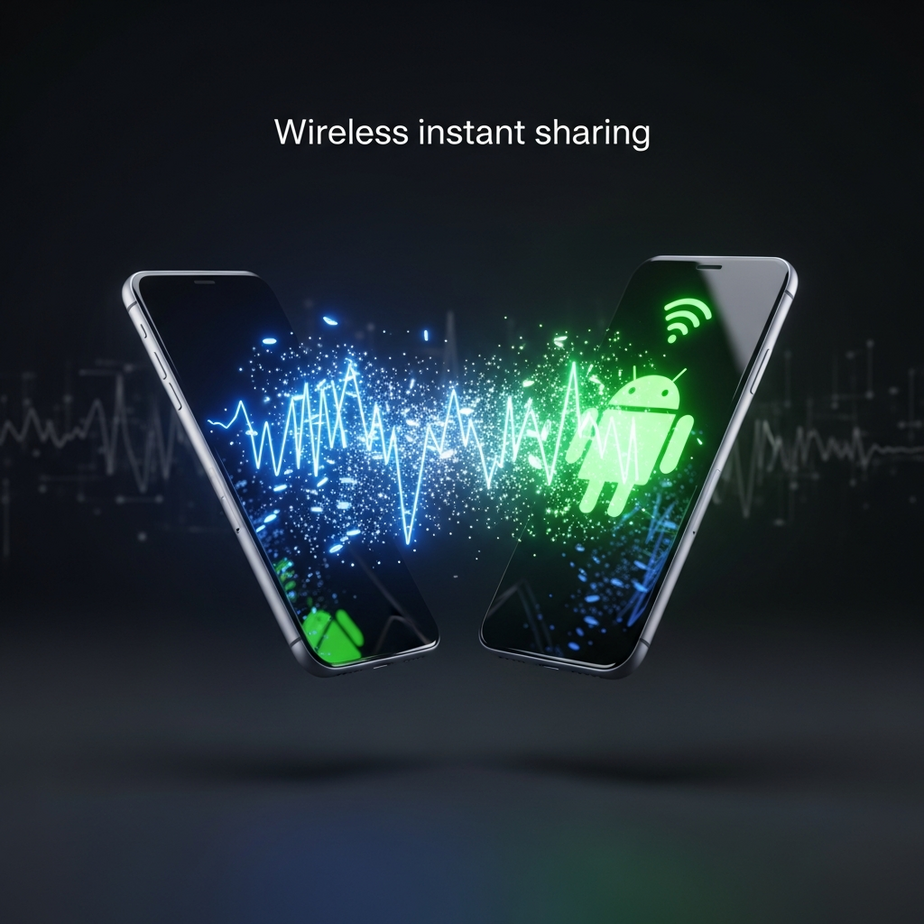
For years, it’s been a familiar, frustrating scene: you’re with a friend who has an iPhone, you have an Android, and you want to share a high-resolution video. The awkward dance begins, involving compressed messaging app files, clunky cloud storage links, or the dreaded “just text it to me,” which obliterates the quality. That long-standing barrier has finally been shattered. The introduction of **Android’s new AirDrop-style feature** on the Pixel 10 isn’t just a minor update; it’s a revolutionary step that fundamentally changes how we share content between the world’s two biggest mobile ecosystems. But this seemingly magical capability isn’t pixie dust—it’s the result of a sophisticated blend of hardware and software working in perfect harmony. Understanding how it works reveals a fascinating story of technological convergence.
From Clunky Beams to a Fragmented Network
To appreciate the significance of Google’s latest achievement, it’s essential to look back at the history of wireless sharing on Android. The journey has been long and filled with well-intentioned but ultimately flawed solutions.
The NFC Experiment: Android Beam
The first major attempt was Android Beam, introduced way back in 2011. This feature used Near Field Communication (NFC), the same technology that powers tap-to-pay services. To share something, you had to open the content, physically touch the backs of two Android phones together, and tap the screen to confirm.
While innovative for its time, Android Beam had significant limitations:
– It was slow, relying on a Bluetooth connection for the actual transfer after the initial NFC handshake.
– The “phone-tapping” requirement was often awkward and unreliable.
– It only worked for small files like photos, contacts, and web links. Sending a video was a non-starter.
Google officially deprecated Android Beam with the release of Android 10, recognizing that a more modern solution was desperately needed.
A Step Forward: Nearby Share
In 2020, Google launched Nearby Share, a much more robust and versatile competitor to AirDrop. Instead of NFC, it used a combination of protocols to find the best way to transfer files between Android devices, Chromebooks, and even Windows PCs. It could use Bluetooth for discovery, and then switch to faster methods like Wi-Fi Direct for the actual transfer.
Nearby Share was a massive improvement. It was faster, more reliable, and didn’t require physical contact. However, it had one glaring omission: it couldn’t communicate with Apple devices. The invisible wall between iOS and Android remained firmly in place, leaving users stranded in their respective ecosystems. This critical gap is precisely what **Android’s new AirDrop-style feature** was engineered to solve.
How Android’s New AirDrop-Style Feature Actually Works
The breakthrough on the Pixel 10 is not a single piece of technology but a clever orchestration of multiple components working together. It’s a three-layered cake of discovery, high-speed transfer, and—most importantly—cross-platform communication.
Layer 1: The Handshake (Bluetooth Low Energy)
The process begins with discovery. Your phone needs to know which other devices are nearby and available for sharing. Continuously scanning with powerful Wi-Fi radios would decimate your battery life. This is where Bluetooth Low Energy (BLE) comes in.
BLE allows devices to send out small, low-power “beacons” to announce their presence. When you open the share sheet on your Pixel 10, it activates its BLE radio to listen for these signals from other phones—both Android and iOS. This initial digital handshake is incredibly efficient, allowing for constant background awareness without a noticeable impact on your battery.
Layer 2: The Superhighway (Wi-Fi Direct)
Once your phone and the recipient’s device have found each other via BLE and you’ve selected them, the heavy lifting begins. Sending a 4K video over Bluetooth would take an eternity. Instead, the phones establish a direct, peer-to-peer Wi-Fi connection, often called Wi-Fi Direct.
This connection creates a private, high-speed network between the two devices, completely bypassing any external Wi-Fi routers or cellular networks. This is why you can share large files in seconds, even when you’re out in a field with no internet connection. The speed is comparable to, if not faster than, your home Wi-Fi network.
Layer 3: The Secret Sauce (UWB and Protocol Interoperability)
This is where the real magic happens and what sets the Pixel 10 apart. Two key innovations make seamless cross-platform sharing a reality.
Spatial Awareness with Ultra-Wideband (UWB)
The Pixel 10 is equipped with an Ultra-Wideband chip. UWB is a short-range radio technology that offers incredibly precise location tracking, far more accurate than Bluetooth or Wi-Fi. It measures the time it takes for radio waves to travel between devices, allowing it to determine the exact direction and distance of another UWB-enabled device.
This is what powers the new “point-to-share” interface. As you point your Pixel 10 at a friend’s iPhone, the UWB chip detects its precise location, and their device icon moves to the top of your share list, highlighted and enlarged. It removes the guesswork of picking the right person from a list in a crowded room.
Cracking the Cross-Platform Code
For years, the reason Android and iOS couldn’t share files this way was due to proprietary protocols. Apple’s AirDrop and Google’s Nearby Share spoke different languages. To solve this, Google’s engineers developed a sophisticated interoperability protocol that acts as a universal translator.
This new system, integrated into **Android’s new AirDrop-style feature**, allows the Pixel 10 to broadcast a discovery beacon that both Nearby Share and AirDrop can understand. When an iPhone detects this signal, it recognizes it as a valid AirDrop request. Similarly, when a Pixel 10 detects an AirDrop signal, it can now interpret it and initiate a connection. This solution required a deep understanding of Apple’s framework and likely represents a major step towards open standards, a concept promoted by organizations like the Wi-Fi Alliance. This dual-protocol capability is the linchpin that finally bridges the gap.
A Practical Guide to Using the Feature
Understanding the technology is one thing, but using it is even better. The process is designed to be intuitive and seamless, requiring just a few taps.
First-Time Setup and Configuration
Before you start sharing, it’s wise to check your settings to ensure your privacy and visibility are configured to your liking.
1. Navigate to Settings on your Pixel 10.
2. Tap on “Connected devices,” then “Connection preferences.”
3. Select “Quick Share” (the new unified name for the feature).
4. Here, you’ll find “Device visibility.” You have three main options:
– Your Devices: Only allows sharing between devices signed into your Google account.
– Contacts: Allows discoverability by people in your contacts list. This is the recommended setting for most users.
– Everyone: Makes your device visible to anyone nearby. For security, this mode is temporary and will automatically revert to “Contacts” after a few minutes.
Sharing a File in Just a Few Taps
Once you’re set up, sharing is incredibly simple.
1. Open any content you wish to share, such as a photo in your gallery, a file, or a webpage.
2. Tap the universal “Share” icon.
3. In the share sheet, tap the “Quick Share” button.
4. Your phone will immediately start scanning for nearby devices. If you’re using a Pixel 10, you can simply point it at the recipient’s phone.
5. The recipient’s device will appear as an icon. Tap on it.
6. The other person will receive a pop-up notification asking them to accept or decline the transfer. Once they accept, the file transfer begins instantly.
This unified process works identically whether you’re sending to another Android phone or an iPhone, making **Android’s new AirDrop-style feature** a truly universal solution.
Privacy and Security in a Wireless World
Whenever you transmit data wirelessly, security becomes a primary concern. Google has built multiple layers of protection into this new sharing ecosystem to keep your data safe from prying eyes.
End-to-End Encryption
From the moment you hit “send” to the moment the file is saved on the recipient’s device, the data is protected by end-to-end encryption. This means the file is scrambled during transmission, and only the sending and receiving devices have the keys to unscramble it. Even if someone were to intercept the signal, the data would be completely unreadable to them.
User-Controlled Visibility
You are always in complete control of who can see your device. By keeping your visibility setting on “Contacts,” you prevent strangers from being able to send you unsolicited files, a practice sometimes called “cyber-flashing.” The temporary nature of the “Everyone” mode is a thoughtful security measure that ensures you don’t accidentally leave yourself open to unwanted requests. You must manually approve every single transfer request, giving you the final say over what gets saved to your device.
What This Means for the Future of Mobile
The launch of **Android’s new AirDrop-style feature** is more than just a convenient way to share vacation photos. It marks a significant philosophical shift in the mobile industry, moving away from closed ecosystems and toward a future defined by interoperability and user choice.
This development tears down one of the most significant walls in the “walled garden” that has defined the smartphone landscape for over a decade. It reduces friction for users, making technology feel more integrated and less tribal. For mixed-ecosystem households or workplaces, this is a game-changing quality-of-life improvement.
Looking ahead, this could pave the way for even deeper integrations. We might see this open sharing protocol extend to laptops, tablets, smart TVs, and even cars, creating a truly universal standard where sharing content is as easy as pointing and tapping, regardless of the brand or operating system. It prioritizes the user experience over corporate competition, which is a win for everyone.
The technology behind this feature is a testament to brilliant engineering, combining existing standards with new innovations to solve a long-standing problem. It’s a reminder that the best technology is the kind that fades into the background, working so seamlessly that it feels like magic.
Now that you understand the intricate technology making seamless sharing possible, you can appreciate the power packed into your device. To unlock its full potential, why not explore our deep dive into the Pixel 10’s advanced AI camera features and learn how to capture images that rival professional photographers?